
SmoothSync for Cloud Calendar1.8.9 - Google Play
You'll be able to see results in few seconds.
Publisher Description
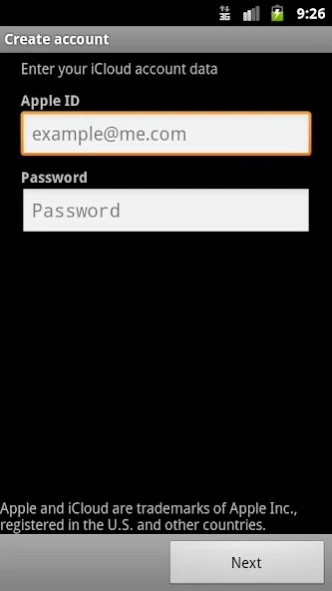
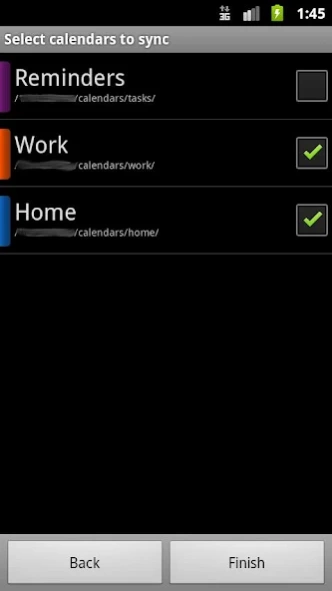
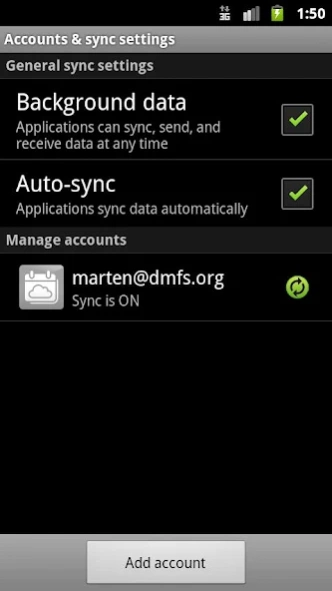
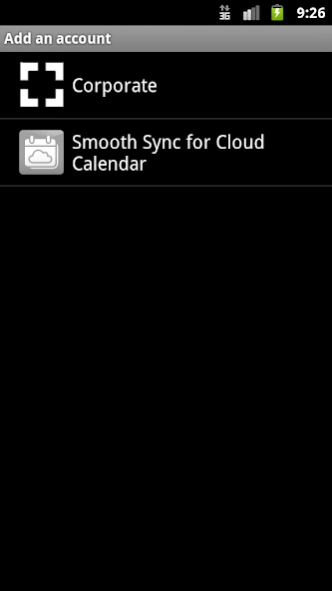
Bringing iCloud to Android since 2011.
SmoothSync for Cloud Calendar syncs your iCloud calendars and reminders. Due to its implementation as sync adapter it integrates seamlessly with the native calendar app and widgets and operates invisible in the background.
Also, check out SmoothSync for Cloud Contacts to sync your iCloud contacts!
Important note for Android 4.1 and Samsung users
: To prevent the removal of your accounts on reboot install this app (before you install SmoothSync):
https://play.google.com/store/apps/details?id=org.dmfs.jb.workaround.icloudcalendar
Please note that there is a new issue in Android 4.4: http://code.google.com/p/android/issues/detail?id=66905
It causes accounts to be removed when an app is updated. Installing the workaround app should help.
Get support and news via email or via Twitter at https://twitter.com/SmoothSync
The app is designed to be as user friendly as possible. So, just enter your account data, select your calendar and SmoothSync will keep your calendars in sync.
This app will create new calendars on your device (one for each calendar in your iCloud account). It will
not
sync calendars of other account (like Google) to iCloud.
Please, if you find a bug send me an email. Without detailed error description I often can't do anything especially when I can't reproduce it.
Important! If your phone removes the accounts on reboot, move the App back from SD card to the phone. Some phones (if not all) can't handle sync adapters on SD Card properly.
The last screen shot shows the calendar selection dialog of the event editor of the stock calendar app.
Thanks to the guys at http://www.busymac.com/ for their support!!
Features:
* two-way-sync
* supports multiple accounts
* supports subscribed calendars
* initial support for attachments (Android 4.1 or newer, doesn't work with all calendars apps)
* supports reminders if this app is installed: https://play.google.com/store/apps/details?id=org.dmfs.tasks
* multiple calendars per account
* automatic calendar discovery
* automatic sync of calendar colors and names
* syncs multiple alarms
* time zone support
* customizable sync interval (default: 4h, local changes will be synced almost immediately)
* synchronizes entire calendar
* encrypts passwords
known limitations:
* no "push" support (yet)
iCloud and Apple are trademarks of Apple Inc., registered in the U.S. and other countries. The author of this app is not related to Apple in any way.
About SmoothSync for Cloud Calendar
The company that develops SmoothSync for Cloud Calendar is dmfs GmbH. The latest version released by its developer is 1.8.9.
To install SmoothSync for Cloud Calendar on your Android device, just click the green Continue To App button above to start the installation process. The app is listed on our website since 2014-12-05 and was downloaded 0 times. We have already checked if the download link is safe, however for your own protection we recommend that you scan the downloaded app with your antivirus. Your antivirus may detect the SmoothSync for Cloud Calendar as malware as malware if the download link to org.dmfs.caldav.icloud is broken.
How to install SmoothSync for Cloud Calendar on your Android device:
- Click on the Continue To App button on our website. This will redirect you to Google Play.
- Once the SmoothSync for Cloud Calendar is shown in the Google Play listing of your Android device, you can start its download and installation. Tap on the Install button located below the search bar and to the right of the app icon.
- A pop-up window with the permissions required by SmoothSync for Cloud Calendar will be shown. Click on Accept to continue the process.
- SmoothSync for Cloud Calendar will be downloaded onto your device, displaying a progress. Once the download completes, the installation will start and you'll get a notification after the installation is finished.
Program Details
System requirements
Download information
Pricing
Version History
version 1.8.9
posted on 2014-12-05
Please install the workaround app before you upgrade if you're using Android 4.4 (see the app description). Also, please contact us if something doesn't work as expected.,new in 1.8.9:,more authentication fixes,new in 1.8.8:,fix some authentication issues,fix one-way-sync setting being disabled,new in 1.8.7:,add workaround for broken devices that are missing a specific database column,new in 1.8.6:,more authentication improvements,fix synced calendar selection,improve webcal sync
version 1.6
posted on 2013-06-14
Several fixes and updates
Disclaimer
Official Google Play Link
We do not host SmoothSync for Cloud Calendar on our servers. We did not scan it for viruses, adware, spyware or other type of malware. This app is hosted by Google and passed their terms and conditions to be listed there. We recommend caution when installing it.
The Google Play link for SmoothSync for Cloud Calendar is provided to you by apps112.com without any warranties, representations or guarantees of any kind, so access it at your own risk.
If you have questions regarding this particular app contact the publisher directly. For questions about the functionalities of apps112.com contact us.
